Protect your web experience from malware and other security risks with a free, secure and reliable tool. Designed to safeguard your internet browsing, CIRA Canadian Shield allows you and your family to safely learn, play and search online.

This plugin for Canadian internet users provides visual cues to indicate whether a site is potentially harmful or not. When the extension icon is green, you can browse safely; red will restrict access and present the user with a block page.
Choose between two levels of protection and lock it with PIN protection:
- Protected: offers security against malware, phishing, botnet and scams
- Family: offers the same security to your household as the Protected level and blocks sexual content
Why we’re offering this
To make CIRA Canadian Shield accessible and easily usable for even more Canadians, we’re offering a browser extension. Once installed, the extension provides security against all browsing activity and prevents users from going to malicious sites.
Key features
Enjoy a free browser extension created by Canadians for Canadians
Install quickly and easily so you can spend more time safely surfing the web
Experience online security you can trust against malware, phishing and scam sites
Benefit from a design for the whole family with kid friendly PIN protection
Feel comfortable knowing none of your website browsing data is stored or sold
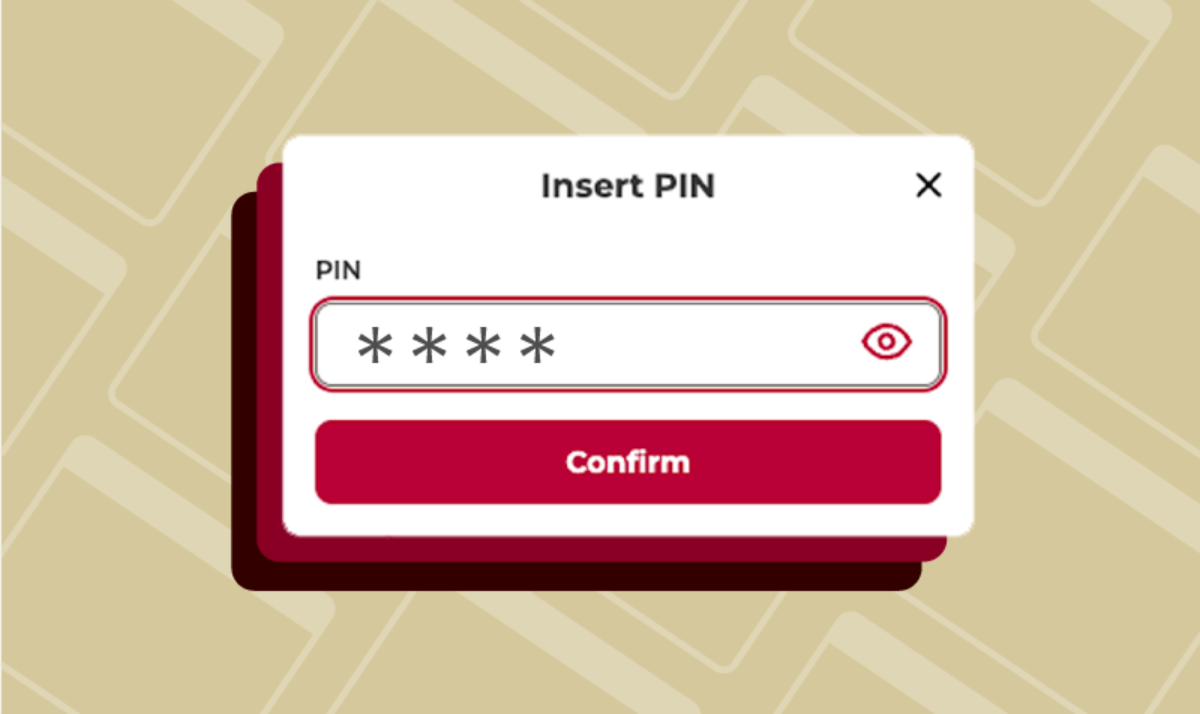
What is PIN protection?
PIN protection allows the main user or administrator to lock their protection level in place with a unique four-to-six-digit combination that only they know. Whether you’re sharing your device with others or browsing the internet in public, this feature helps everyone safely (and discreetly) navigate the internet. Under the Family mode, the PIN protection stops children from gaining access to adult content that could be visible under Protected mode.
How to set upPIN Protection
Access the browser extension: click on the Canadian Shield browser extension icon
Enable PIN protection: toggle the button labeled “PIN protection” below your choice of protection and you will be prompted to enter a four-to-six-digit PIN that only you know
Enter the PIN: once you confirm your PIN, the PIN protection feature will be successfully enabled and the selected type of security will be locked



This free, easy-to-use security tool is also available as a mobile app, giving you protection across all your devices.
Download CIRA Canadian Shield from the App or Google Play store.